← all video builds ~/builds $ ./vibes-wave-build.py --render

Bass vibration. Mirage wave. Twinkles.

A 10-second vibes loop. Each halftone coin spins — width collapses right-to-left, height approaches zero, horizontal flip, staggered left-to-right wave — while the whole lattice throbs at a low bass frequency and every coin flickers on its own phase. Heavier grain, fixed seed (no flicker), muxed with a different song per example.

bass vibrationhalftone lattice10s loopsong-synced
vibes-wave-build — sample output · 10s
● autoplay · muted · seamless loop — the exact file you receive the recipe for 1080×1080 · 30fps
examples

The pulse, as a GIF.

A share-ready GIF of the vibes wave build — rounded corners, infinite loop. The bass throb and coin wave, in a single lightweight file.
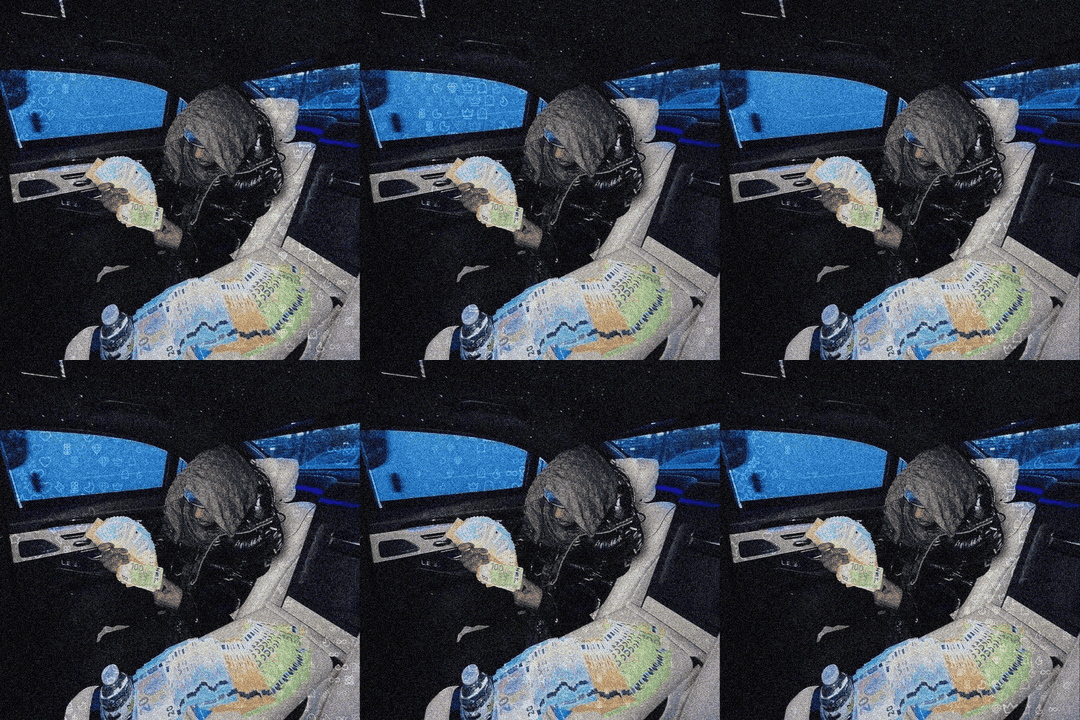
Vibes Wave build — animated GIF example
vibes-wave-build.gif · rounded · loops forever · 1080×1080 · 30fps
what this build is

Motion you can feel.

The halftone grid becomes a subwoofer. It pulses and drifts with the low end while the subject stays locked — the motion is the music.

01

Mirage coin wave

Every halftone coin spins in a staggered left-to-right wave — width collapses to zero, flips at the edge, and never quite disappears.

02

Bass zoom pulse + drift

The lattice throbs and shakes at a 2.2 Hz bass frequency so the grid breathes with the track.

03

Per-coin twinkles

Opacity flickers on a staggered random phase, giving the surface a living, shimmering quality.

04

Fixed-seed grain

σ36 gaussian + fine noise 16 with a fixed seed — heavy texture, zero frame-to-frame flicker.

how it works

From still to subwoofer.

A deterministic four-step pipeline. Source image → halftone lattice → per-frame wave + bass pulse → mux.

01 lattice
Source image → intensity map → halftone coin lattice.
02 wave
Per frame: coin spin wave + horizontal flip + staggered left-to-right phase.
03 pulse
Bass-frequency zoom pulse + drift, plus per-coin opacity flicker.
04 composite
Subject cutout composited on top → ffmpeg muxes the song → vibes_1_soft_light.mp4.
what's inside

The .md build guide.

You're getting a downloadable .md build file written for AI agents (and humans). It contains the full recipe, the exact dependencies, the run command, and every knob to tune — plus the finished sample video is embedded above so you can see exactly what it produces.

vibes-wave-build.md
the downloadable guide — full recipe, dependencies, run command, every knob (this is the file you buy)
animate_vibes.py
the build script (the recipe, in code)
vibes_1_soft_light.mp4
finished sample output — 10s, song-synced (shown above)
neon_arrangements.py · neon_halftone.py · pfp_halftone_subject.py
shared halftone glyph / icon / intensity-map helpers
output
1080×1080 · 30fps · 10s · H.264 + AAC · seamless-loop friendly
mirage wave
coin spin — width→0, height→near-0, horizontal flip, staggered L→R
bass vibration
2.2 Hz zoom pulse + drift, amplitude 0.035, underlay canvas 1140px
twinkles
per-coin opacity flicker (staggered random phase)
grain
gaussian σ36 + fine noise 16 (fixed seed)
dependencies
Python 3.10+, numpy, Pillow, ffmpeg on PATH
compare & contrast

Chinchilla build vs. Higgsfield AI models.

Our builds are deterministic code — the same recipe renders the same frame every time. Higgsfield's lineup (Seedance 2.0, Kling 3.0, Veo 3.1, Soul, Marketing Studio) is generative AI — diffusion and transformer models that sample new pixels each run. Different tools, different jobs.

dimension
this build
higgsfield ai
How it renders
Code-authored. numpy + Pillow + ffmpeg draw every frame. Same input → same output, version-controllable.
Diffusion / transformer models sample new pixels each run — no two renders are identical.
Control
Per-pixel. Edit a constant (wave speed, grain, blend mode) and re-render the exact change.
Prompt + seed steering. Interpretive; you guide the model rather than specify frames.
Identity & subject
Your actual asset. The real photo / subject cutout stays pixel-faithful; zero identity drift.
Soul Characters and reference images keep identity, but generative output can drift; or it invents people who don't exist.
Brand lock
Baked in. Fonts, palette, layout and motion are exact brand tokens in code.
Brand look is approximated via prompt; Marketing Studio adds product/avatar retrieval for ads.
Cost model
Free to unlock — a short sponsor view sized to the render workload releases the recipe, then free local renders forever.
Per-generation credits / API cost on every video you produce.
Speed
Seconds to minutes locally, batchable, no queue.
API job queue — minutes per render, rate-limited by account.
Output style
Graphic motion. Halftone, typographic and blend-mode loops tuned to music.
Photoreal, cinematic, or stylized AI footage — scenes, actors, b-roll.
Best for
Music-first motion loops — beat drops, song promos, festival and playlist visuals that pulse with the low end of a real photo.
Footage that doesn't exist, actors & avatars, ads with people, net-new b-roll.

They're complementary. Generate the hero asset with Higgsfield, then feed it into a Chinchilla build to make it an on-brand, loopable, music-synced social video you can re-run every day.

Get the Vibes Wave build.

Free download. Unlock the vibes-wave-build.md guide with a short sponsor view — the same recipe that renders the video above. Paste it into any AI agent and it can rebuild, remix, and re-skin the effect for your own content.

downloadable .md for AI agents instant delivery
free no account · unlocked by a sponsor view
Unlock the .md →
31s watch time — scaled to this build's render workload (612 units), capped at 60s